13 NVMe SSDs for Smoother Gaming in 2026
A fast SSD can cut long loading screens, improve texture streaming, and make Windows feel snappier. However, it can't fix every hitch. Shader compilation, weak best ram for gaming 2026 capacity, CPU limits, and bad game patches can still ruin frametimes.
For most gaming PCs, a quality PCIe 4.0 NVMe SSD is the smart buy in 2026. PCIe 5.0 drives make more sense for creators who also move huge files. These 13 drives cover premium builds, value upgrades, laptops, and consoles.
What Makes an NVMe SSD Good at Reducing Stutter?
Game storage needs quick random reads, low latency, steady performance, and enough cooling. Headline sequential read speed matters most when copying giant files, not when a game pulls thousands of small texture files.
TLC NAND, onboard DRAM, or a well-tuned DRAM-less controller can keep a drive responsive. A heatsink also helps prevent thermal throttling during long installs or transfers. Leave 10% to 20% free space so the SSD can manage data efficiently.
Moving from a hard drive to any solid NVMe SSD is a major upgrade. Yet a good Gen4 drive and a Gen5 drive often deliver similar game loading times. If you feel like your storage isn't the issue, you can always check your core components with our bottleneck calculator to see what else might be holding you back.
The Best NVMe SSDs for Smoother Gaming and Faster Loading
Prices, firmware, heatsink bundles, and availability change often, so check current listings before you buy.
| SSD | Interface | NAND or cache | Best use | Recommended capacity |
|---|---|---|---|---|
| Samsung 990 Pro | PCIe 4.0 | TLC, DRAM | Premium primary drive | 2TB |
| WD Black SN850X | PCIe 4.0 | TLC, DRAM | High-end gaming | 2TB |
| Crucial T500 | PCIe 4.0 | TLC, DRAM | Fast value build | 2TB |
| SK hynix Platinum P41 | PCIe 4.0 | TLC, DRAM | Low-latency work | 2TB |
| Solidigm P44 Pro | PCIe 4.0 | TLC, DRAM | Gaming and multitasking | 2TB |
| Seagate FireCuda 530R | PCIe 4.0 | TLC, DRAM | Heavy writes | 2TB |
| Kingston KC3000 | PCIe 4.0 | TLC, DRAM | PC or workstation | 2TB |
| Lexar NM790 | PCIe 4.0 | TLC, DRAM-less | Value gaming | 2TB |
| TeamGroup MP44 | PCIe 4.0 | DRAM-less | Large game library | 2TB or 4TB |
| WD Black SN770 | PCIe 4.0 | DRAM-less | Midrange build | 2TB |
| Samsung 990 EVO Plus | PCIe 4.0/5.0 x2 | TLC | Efficient upgrade | 2TB |
| Crucial T705 | PCIe 5.0 | TLC, DRAM | Gaming plus creation | 2TB |
| Samsung 9100 Pro | PCIe 5.0 | TLC, DRAM | Enthusiast system | 2TB |
A premium Gen4 drive remains the sensible performance target for any best gaming cpu gpu combo 2026. Current gaming recommendations still place the WD Black SN850X among leading gaming SSDs.
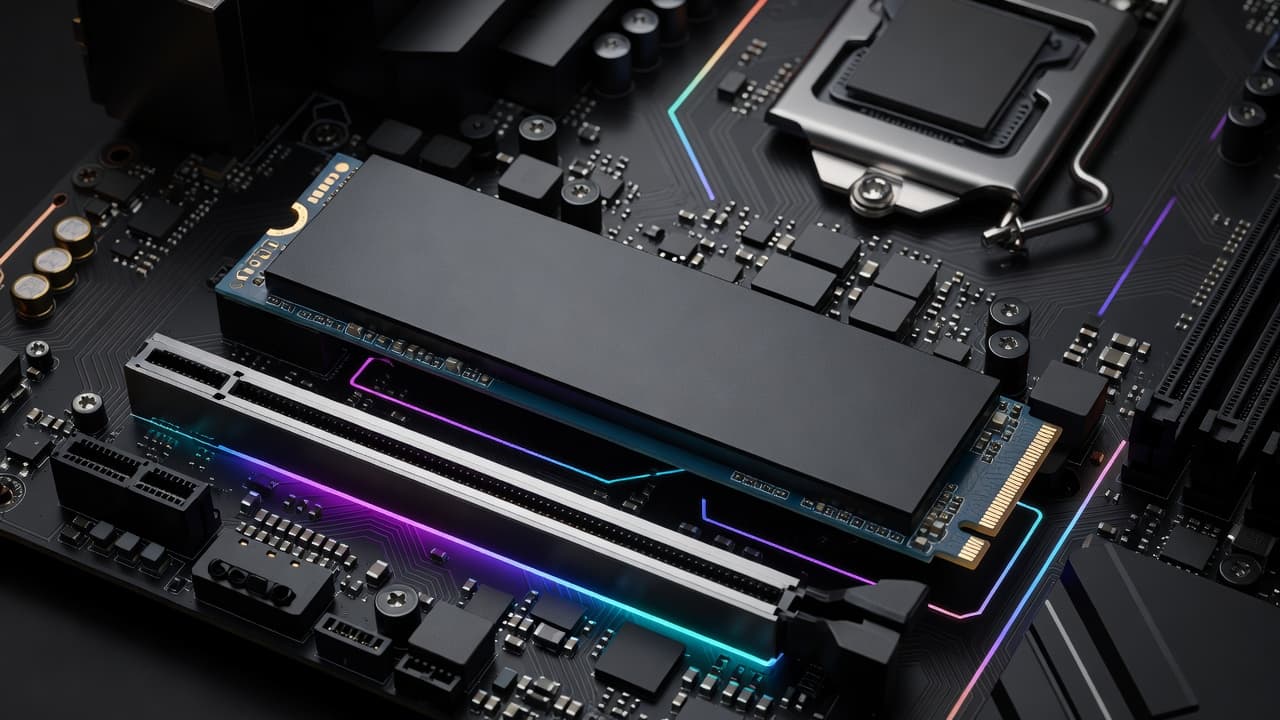
Samsung 990 Pro
The 990 Pro is a premium Gen4 boot and gaming drive with TLC NAND, DRAM, strong random performance, and mature Samsung Magician support. It costs more than some 2TB rivals, so compare sales and install the latest firmware.
WD Black SN850X
WD's SN850X is a top pick for high-performance gaming PCs. Its optional heatsink helps in a PS5 or a desktop without an M.2 shield, but check clearance before ordering.
Crucial T500
The T500 offers fast Gen4 performance without Gen5 pricing. It suits a Windows and game drive well, although its value depends on current sale pricing and whether you need the heatsink version.
SK hynix Platinum P41
Choose the Platinum P41 for efficient operation, low latency, TLC NAND, and DRAM. It handles mixed everyday workloads well, though stock and pricing can vary.
Solidigm P44 Pro
The P44 Pro remains responsive for gaming, multitasking, and Windows boot duties. Its software is useful, but compare it with newer drives when prices are close.
Seagate FireCuda 530R
The FireCuda 530R suits frequent game installs, recording, and file transfers because of its endurance focus. Most gamers won't need that extra durability, so review warranty terms before paying more.
Kingston KC3000
Kingston's KC3000 is a proven TLC and DRAM-equipped Gen4 drive with strong sustained behavior. It remains a good buy when priced below newer alternatives with similar results.
Lexar NM790
The NM790 delivers high Gen4 gaming performance through an efficient DRAM-less design. Heavy sustained workloads still favor a drive with dedicated DRAM, but it's an excellent value game drive.
TeamGroup MP44
The MP44 works well as affordable, high-capacity storage for a growing library. Use it as a secondary drive if you regularly handle large edits, captures, or long write sessions.
WD Black SN770
The SN770 is a dependable midrange upgrade over SATA SSDs and older NVMe models. Its DRAM-less design rewards good habits, so keep free space available.
Samsung 990 EVO Plus
Samsung's 990 EVO Plus focuses on efficiency and broad platform support. Confirm your laptop or motherboard supports its advertised PCIe link mode before expecting full speed.
Crucial T705
The T705 is for a compatible Gen5 system that also handles video work and large transfers. It needs a proper heatsink and airflow, while game loading gains over top Gen4 models stay modest.
Samsung 9100 Pro
Samsung's 9100 Pro offers extreme Gen5 transfer speed for newer platforms. Higher heat and cost make it a specialized choice, not a required gaming upgrade.
How to Choose the Right NVMe SSD
Use these simple buying rules:
- Buy 2TB for Windows, updates, and several large games. Choose 1TB for a smaller library, or 4TB for recording and editing.
- Confirm the M.2 2280 size and PCIe support. Gen4 drives work in Gen3 slots at lower speeds.
- Prefer TLC for a primary drive. Check endurance, warranty length, and heatsink fit.
- Desktop owners should use a motherboard M.2 shield or drive heatsink. Laptop owners must check thickness limits.
- PS5 owners need a compatible M.2 drive with a suitable heatsink and Sony's required performance level.
A quality 2TB Gen4 model is the value rule for most builds. Keeping space free also matters, as explained in this guide to pc gaming performance optimization.
How to Stop Stuttering After Installing the New SSD
Update the SSD firmware, chipset driver, and GPU driver. Install the drive in the correct motherboard slot, confirm the expected PCIe mode in BIOS, and add a heatsink if temperatures climb.
Put the game on the faster drive, but also check shader cache behavior, RAM use, background apps, CPU load, and network lag. Measure frametimes with a monitoring tool instead of trusting average FPS alone. Don't defragment an NVMe SSD, and consider a clean reinstall if a moved game keeps stuttering. If problems persist, you may need to learn how to fix cpu gpu bottleneck issues that aren't related to your drive.
Final Thoughts
The Samsung 990 Pro and WD Black SN850X remain excellent all-around choices for gaming PCs. The Lexar NM790 and WD Black SN770 offer better value when your budget is tighter.
A Gen5 drive makes sense for demanding transfer workloads and compatible hardware. For smoother play, cooling, capacity, free space, and the rest of your PC usually matter more than a peak benchmark number.