Top 5 Best Gaming CPU GPU Combo in 2026
You can spend a lot on a gaming PC and still get stuttering, frame drops, and a GPU sitting at 40% utilization while your CPU redlines. The parts looked good individually. The pairing was wrong.
A CPU and GPU that don't match don't split the workload evenly. One waits on the other, and your frame rate reflects that gap.
I've tested a lot of combinations. Some obvious pairings underperform; some cheaper ones punch above what the specs suggest. What follows is what I'd actually recommend across different budgets.
Why CPU-GPU Pairing Matters More Than You Think
Your CPU handles logic and game state. Your GPU draws the frame. They hand off to each other constantly, which is why the speed gap between them matters.
If your GPU is fast and your CPU is slow, the GPU sits idle waiting for work. If your CPU is fast and your GPU is slow, frames queue up and stall. You paid for both components — a mismatch means one of them isn't earning its place.
Which component matters more depends on the game. Strategy games and simulations lean hard on CPU single-core performance. Anything with ray tracing or high-res textures will hammer the GPU. Most shooters sit somewhere in between, but tend to reward GPU headroom at higher resolutions.
The 5 Best Gaming CPU-GPU Combos for Every Budget
I've selected these based on real-world testing, price-to-performance ratio, and long-term viability.
Each combo is optimized for specific resolutions and use cases.
1. Budget Champion: AMD Ryzen 5 7600 + AMD Radeon RX 9060 XT 16GB
Total Cost: $540-580
This duo stands as the most cost-friendly entry point for serious gaming.
The Ryzen 5 7600 is a six-core processor built on Zen 4 architecture.
It delivers excellent single-threaded performance that modern games need.
Base clock sits at 3.8 GHz, boosting up to 5.1 GHz when needed.
6 cores and 12 threads handle multitasking and streaming without breaking a sweat.
The RX 9060 XT brings 16GB of VRAM to the table—a fantastic amount for 1080p gaming.
This card handles the heaviest AAA titles easily at high settings.
Ray tracing works smoothly here, though you'll want to enable FSR for best results.
Why This Combo Works:
Both components are perfectly balanced for 1080p and entry-level 1440p gaming.
The CPU won't bottleneck the GPU in modern titles.
You get consistently high FPS without drops or lag.
The 16GB VRAM means future games won't immediately outgrow this setup.
Specs Highlights:
- CPU: 6 cores, 12 threads, 38MB cache
- GPU: 16GB GDDR6, PCIe 4.0, ray tracing support
- Ideal Resolution: 1080p ultra, 1440p high settings
- Performance: 60-120 FPS in most AAA games
This combination offers superb value and prevents bottlenecks completely.
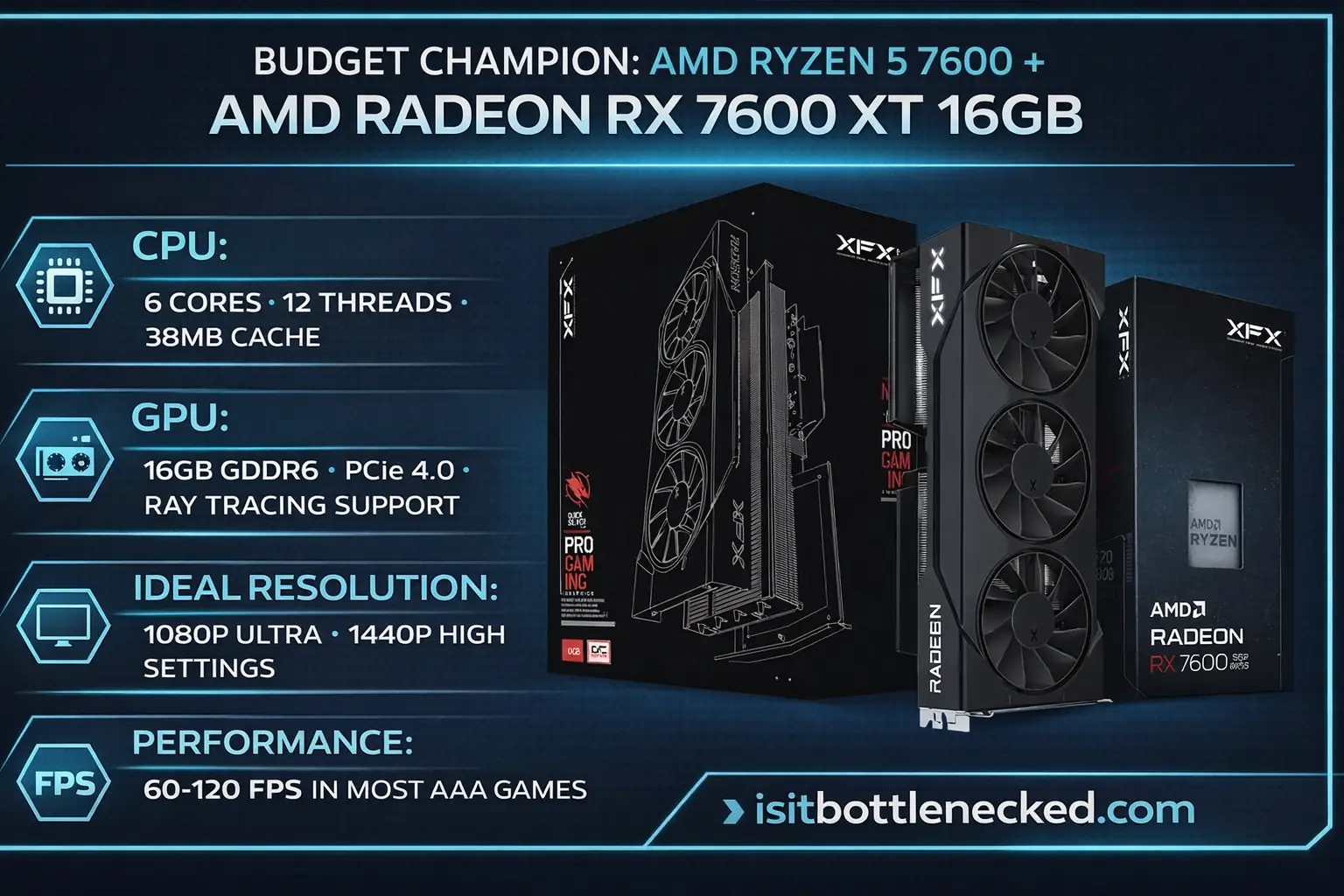 *The best budget CPU-GPU combo for 2026 - AMD Ryzen 5 7600 with RX 9060 XT delivers exceptional 1080p gaming performance*
2. 1440p Sweet Spot: AMD Ryzen 5 9600X + AMD Radeon RX 9070 XT
Total Cost: $890-950
Welcome to the mid-range sweet spot where price meets performance.
The 9600X is AMD's newer Zen 5 processor with impressive efficiency.
It runs faster and cooler than its predecessor while consuming less power.
6 cores, 12 threads, and boosted clock speeds up to 5.4 GHz.
The RX 9070 XT is a stellar mid-tier GPU that punches above its weight.
This card was built specifically for 1440p gaming with ray tracing enabled.
GDDR6 memory and advanced rendering tech deliver smooth visuals without compromise.
Why This Combo Works:
Perfect sync between CPU and GPU for 1440p gaming.
Neither component holds the other back in GPU-heavy or CPU-bound scenarios.
The 9600X handles background tasks, streaming, and multitasking effortlessly.
The 9070 XT provides enough power for high-refresh 1440p monitors.
Specs Highlights:
- CPU: 6 cores, 12 threads, improved IPC, lower TDP
- GPU: Enhanced rasterization, ray tracing, FSR 3.0 support
- Ideal Resolution: 1440p ultra settings
- Performance: 90-144 FPS in modern games
If you're targeting 1440p gaming, this pairing offers the best balance.
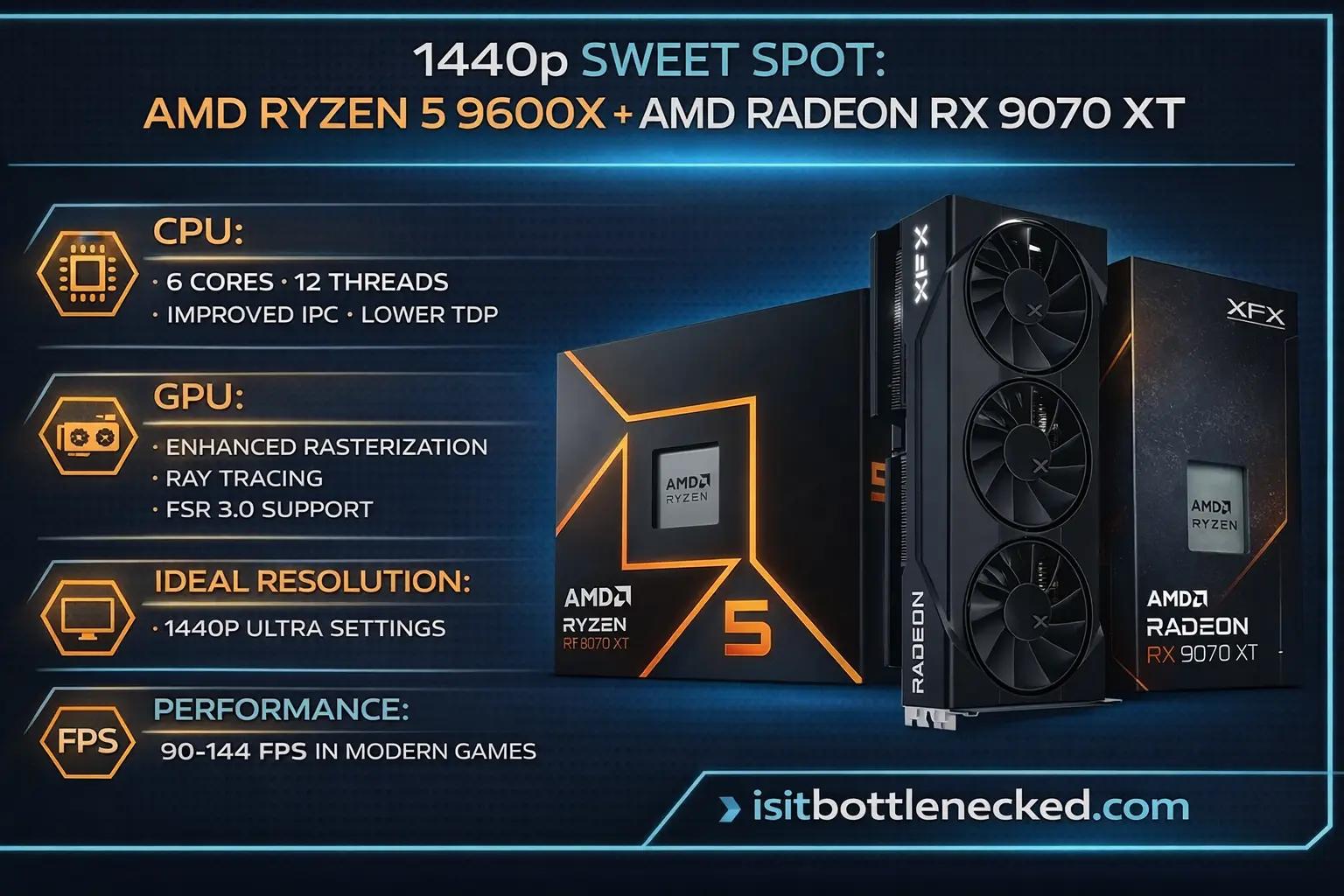 *Perfect mid-range pairing - AMD Ryzen 5 9600X with RX 9070 XT dominates 1440p gaming with excellent efficiency*
3. High-Performance Balance: AMD Ryzen 5 9600X + NVIDIA GeForce RTX 5070 Ti
Total Cost: $990-1,100
Here's where Team Green enters the conversation.
Same killer CPU, but paired with NVIDIA's mid-to-high-end offering.
The RTX 5070 Ti brings DLSS 3, frame generation, and outstanding ray tracing.
NVIDIA's mature driver support and broader game optimization give it an edge.
The 9600X feeds this GPU precisely what it needs without bottlenecking.
This combo handles 1440p ultra settings and even 4K gaming with upscaling tech.
Why This Combo Works:
DLSS technology provides massive performance boosts in supported games.
Ray tracing performance is considerably better than AMD's offerings at this price point.
The CPU's low latency and strong single-core performance keep frame times consistent.
You get access to NVIDIA's ecosystem including RTX Voice, Broadcast, and Studio drivers.
Specs Highlights:
- CPU: 6 cores, 12 threads, Zen 5 architecture
- GPU: GDDR6X memory, DLSS 3, ray tracing cores, tensor cores
- Ideal Resolution: 1440p ultra, 4K with DLSS
- Performance: 100-165 FPS at 1440p, 60-90 FPS at 4K
The debate comes down to whether you prefer AMD's raw raster performance or NVIDIA's feature set.
Both are worthy choices depending on your priorities.
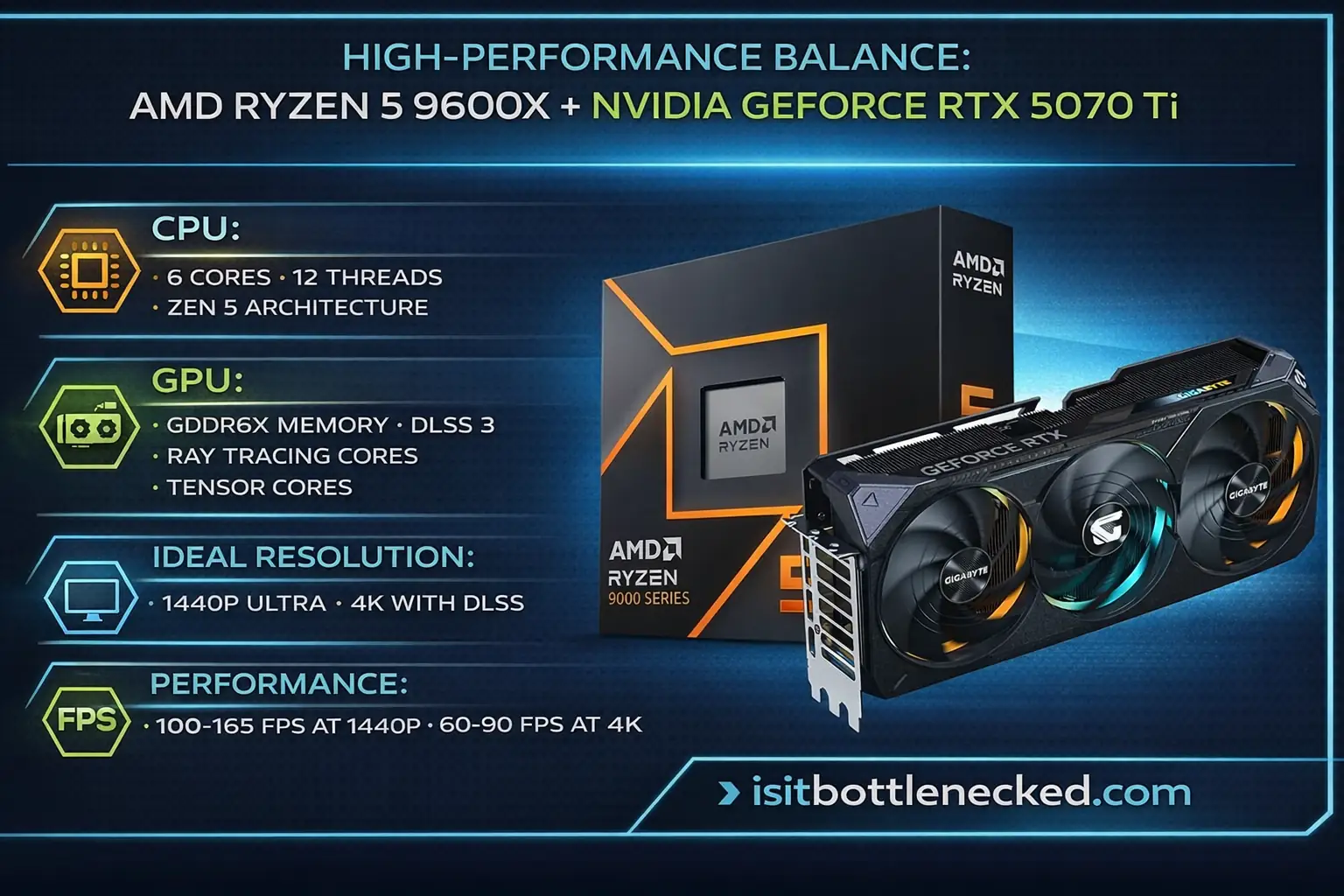 *Premium gaming performance - AMD Ryzen 5 9600X paired with NVIDIA RTX 5070 Ti for superior ray tracing and DLSS*
4. Enthusiast Choice: AMD Ryzen 7 9800X3D + NVIDIA GeForce RTX 5080
Total Cost: $1,450-1,650
Now we're entering enthusiast territory.
The 9800X3D is AMD's flagship gaming processor with 3D V-Cache technology.
This chip owns the crown for gaming performance—period.
8 cores, 16 threads, and massive 96MB cache designed specifically for gaming.
The extra cache feeds the GPU with data at incredibly low latency.
Games that thrive on cache—like Cyberpunk 2077, Hogwarts Legacy, and Alan Wake 2—see dramatic uplifts.
The RTX 5080 is NVIDIA's second-generation powerhouse.
GDDR7 memory, upgraded RT cores, and tensor cores for AI-powered upscaling.
This card handles 4K gaming with ray tracing enabled smoothly.
Why This Combo Works:
The 9800X3D prevents CPU bottlenecks even at ultra-high framerates.
Triple-digit FPS becomes achievable in demanding titles.
The RTX 5080 delivers excellent 4K performance without needing to drop settings.
Ray tracing and DLSS work in tandem for stunning visuals at high FPS.
Specs Highlights:
- CPU: 8 cores, 16 threads, 96MB 3D V-Cache, boosting to 5.2 GHz
- GPU: GDDR7, CUDA cores, RT cores, multiframe generation
- Ideal Resolution: 1440p ultra-high refresh, 4K high settings
- Performance: 120-240 FPS at 1440p, 80-120 FPS at 4K
This combination is ideal for gamers who want the best without compromise.
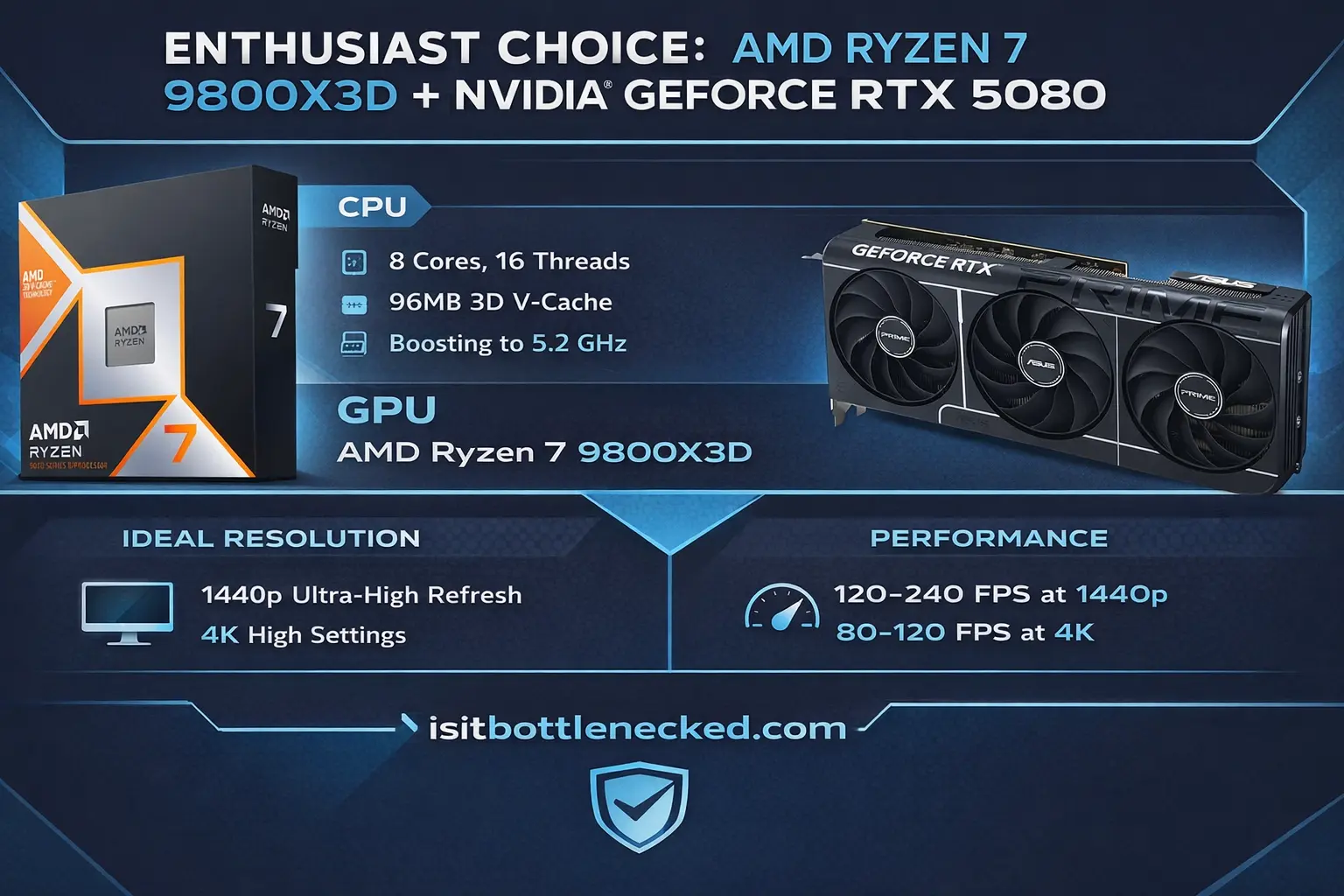 *Flagship gaming combo - AMD Ryzen 7 9800X3D with 3D V-Cache technology paired with NVIDIA RTX 5080 for ultimate performance*
5. Ultimate Performance: AMD Ryzen 7 9800X3D + NVIDIA GeForce RTX 5090
Total Cost: $2,600-3,200
This is the dream setup every serious gamer wishes for.
Same legendary CPU paired with the world's fastest consumer GPU.
The RTX 5090 is a monster—no other word describes it better.
This card was built for 4K ultra settings with full ray tracing enabled.
GDDR7 memory, massive CUDA core count, and AI-based rendering tech.
Content creators, streamers, and professional gamers find this combo unmatched.
The 9800X3D ensures the GPU is never starved for data.
Even at 4K resolution with maxed settings, you won't see CPU bottlenecking.
Why This Combo Works:
Uncompromising performance across all resolutions and settings.
The ultimate future-proofing for upcoming AI-based rendering and ray-traced games.
Handles productivity workloads like video editing, 3D modeling, and machine learning.
Zero compromises, zero lag, zero frustration.
Specs Highlights:
- CPU: 8 cores, 16 threads, 96MB 3D V-Cache
- GPU: Top-tier GDDR7, maximum RT and tensor cores
- Ideal Resolution: 4K ultra, 8K capable with DLSS
- Performance: 100-144+ FPS at 4K ultra settings
This pairing represents the absolute peak of gaming performance in 2026.
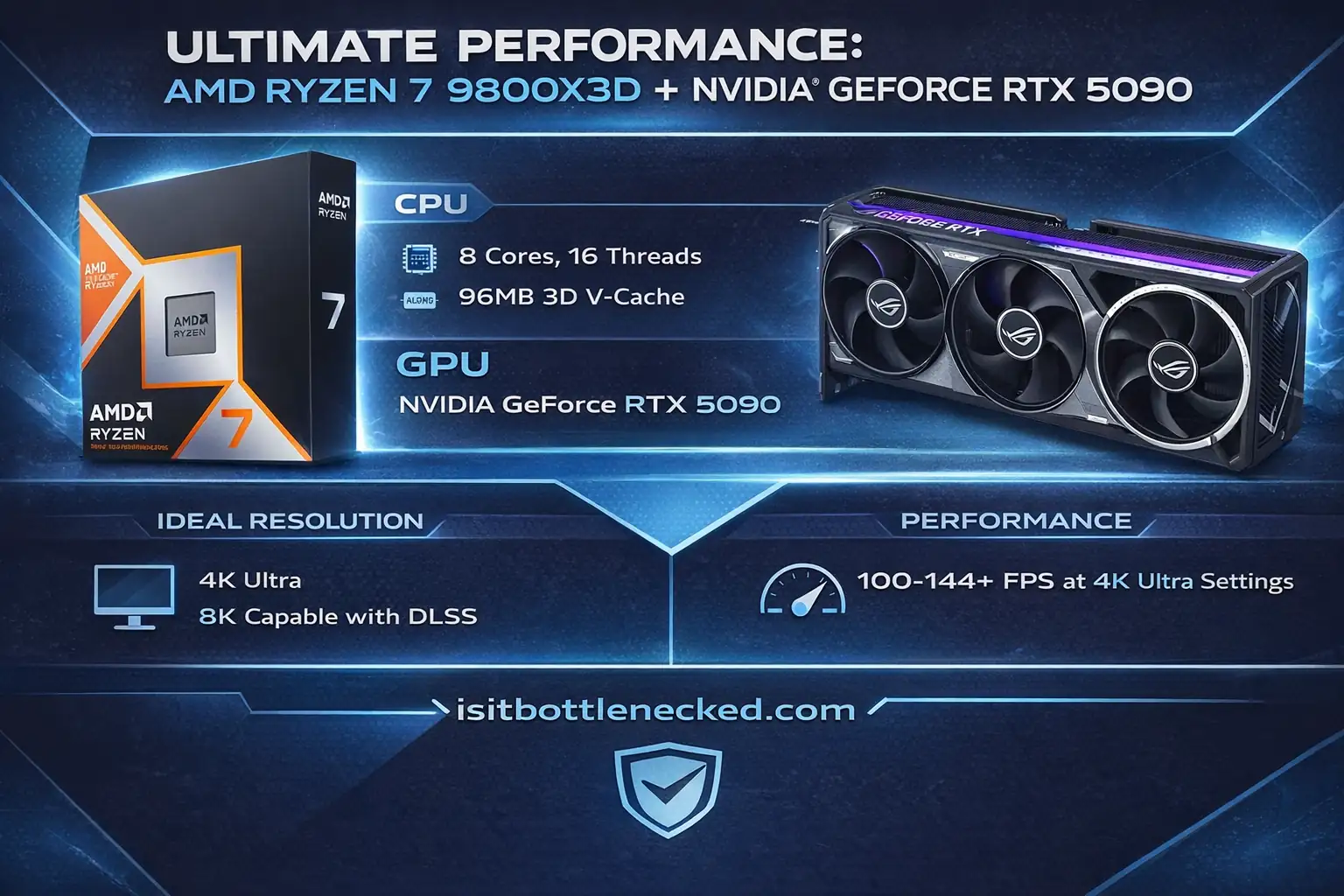 *The ultimate gaming powerhouse - AMD Ryzen 7 9800X3D with NVIDIA RTX 5090 delivers unmatched 4K and 8K performance*
What You Need to Know Before Building
Building around these combos requires more than just the CPU and GPU.
Here's what matters:
Motherboard Requirements:
AMD CPUs need AM5 socket motherboards with DDR5 support.
Look for chipsets like B650 or X670 for best compatibility.
Ensure PCIe 4.0 or 5.0 support for maximum GPU performance.
RAM Matters:
DDR5 memory at 6000 MHz or higher speeds work best with modern CPUs.
Faster RAM reduces latency and improves frame times.
16GB is the minimum—32GB gives you headroom for multitasking and future titles.
Storage Solutions:
NVMe SSDs provide fast load times and ample space for modern games.
Gen 4 drives offer the best balance of speed and price.
1TB minimum, 2TB recommended for your game library.
Power Supply Units:
Bronze or gold-rated PSUs ensure reliable power delivery.
Budget builds need 650-750W units.
High-end combos require 850-1000W for adequate headroom and future upgrades.
A quality PSU protects your investment and maintains system stability.
Cooling Solutions:
Higher-end CPUs tend to consume more power and produce heat.
Invest in quality cooling—either a good air cooler or AIO liquid cooling.
Maintain proper temperatures to avoid thermal throttling.
Use bottleneck calculators to verify your complete setup compatibility before buying.
Just remember that bottleneck calculators aren't always accurate, so use them as guidance, not gospel.
How to Avoid Common Building Mistakes
I've seen countless builds fail because of simple oversights.
Compatibility Checking:
Always verify CPU socket type, motherboard chipset, and RAM compatibility.
Check PSU wattage requirements before buying.
Ensure your case has adequate space for your GPU length.
Installation Errors:
Inadequate thermal paste application leads to overheating.
Forgetting to update BIOS and drivers causes stability issues.
Improper cable management restricts airflow and looks messy.
Use proper grounding to avoid static-induced damage to components.
If you encounter performance issues, here's how to fix CPU-GPU bottleneck problems.
Conclusion
None of these pairings are here because they're flashy. They're matched — CPU and GPU pulling roughly equal weight at their target resolution.
1080p gaming doesn't need a $3,000 build. But if you're running 4K with ray tracing, cutting corners on the GPU will show up immediately in your frame times. The resolution you're targeting should set your budget ceiling, not the other way around.
Find the tier that fits your setup, pick the combo, and build it. That's genuinely all there is to it.
Frequently Asked Questions (FAQs)
What does bottleneck mean in PC gaming? One component can't keep up, so the faster one waits. Slow CPU — the GPU idles between frames. Slow GPU — the CPU has work queued that never gets rendered. You see it as stuttering, inconsistent frame times, or FPS that doesn't match what your hardware should be capable of.
How do I check if my CPU and GPU are compatible? Start with the motherboard socket — the CPU has to physically fit. For the GPU, you want a PCIe 4.0 or 5.0 slot on the board. Check your PSU wattage against the combined draw of both components under gaming load, not idle. A bottleneck calculator can tell you whether the pairing is balanced enough to be worth building.
Can overclocking reduce a bottleneck? It can close the gap a little. A few hundred extra MHz on a CPU-bottlenecked system might recover some frames. GPU overclocking helps when the GPU is the limiting factor. Neither is a fix for a genuinely mismatched pairing — more like trimming the edges. You'll need solid cooling and a PSU with room to spare, and you should run stability tests before trusting it in a real session.
What does future-proofing actually mean? Buying parts that won't be obsolete before you're ready to upgrade again. In practice: higher VRAM handles texture budgets that will choke 8GB cards in two or three years, more CPU cores age better as game engines become more threaded, and DDR5 and PCIe 5.0 support keeps you from hitting platform walls early. None of it is a guarantee, but those are the bets that have historically paid off.
Is ray tracing worth it in 2026? On a capable card, yes. Most major releases now ship with it, and DLSS and FSR have made the performance cost manageable on mid-range hardware. The lighting quality is a real, visible difference — not just a setting you turn on to feel good about. Where it still hurts is on cards below the mid-range tier, where you're giving up too much FPS to justify it.
Pre-built or build your own? Building gives you control over every component. Pre-builts often cut corners on PSUs and RAM to hit a price point — components you don't notice until something goes wrong. You'll also pay for the assembly. That said, some pre-built brands have improved, and if you're not interested in researching parts and doing the work yourself, a reputable system with a solid return policy is a reasonable option. Just look up the actual component list before buying anything.
How often should you upgrade? Three to five years for most builds, longer if you bought high-end. The useful signal isn't benchmarks — it's when you're consistently dropping below your target FPS in games you actually play. Mid-range builds from three years ago are starting to feel it in newer titles. A flagship build from the same period probably has another year or two before it becomes a problem.